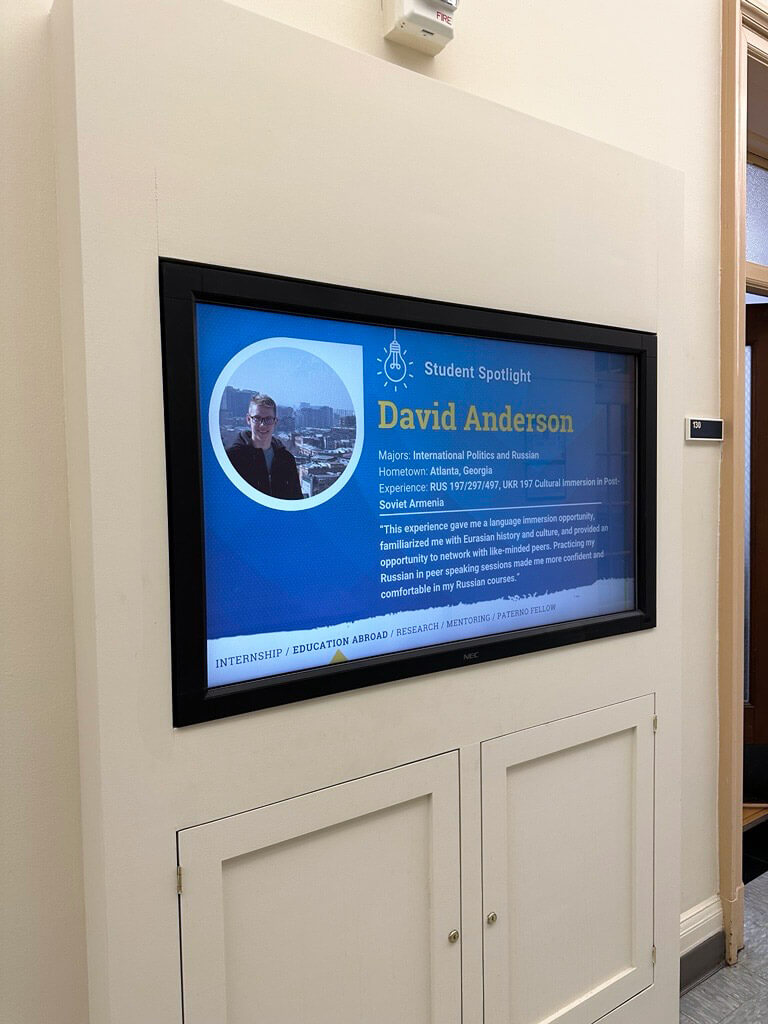
Digital signs appear in several Liberal Arts buildings around campus. College and Penn State units are allowed to submit content to be displayed on these digital signs.
The College of the Liberal Arts digital signage rotation currently displays on six monitors found in the following locations:
- Main Sparks Building hallway (across from the Career Enrichment Network in 101)
- South Sparks Building hallway (in between 130 and 131)
- North knuckle, first floor of Burrowes Building
- South knuckle, ground floor of Burrowes Building
- Ground floor of Moore Building (outside 134)
- Ground floor of Weaver Building (by the elevator)
Please submit your digital sign as a 1920x1080px PNG or JPG image file with limited text, as each digital sign displays for only fifteen seconds in the college’s rotation. Digital signs promoting events should contain only the title, date, time, location, and a QR code or shortened bit.ly link.
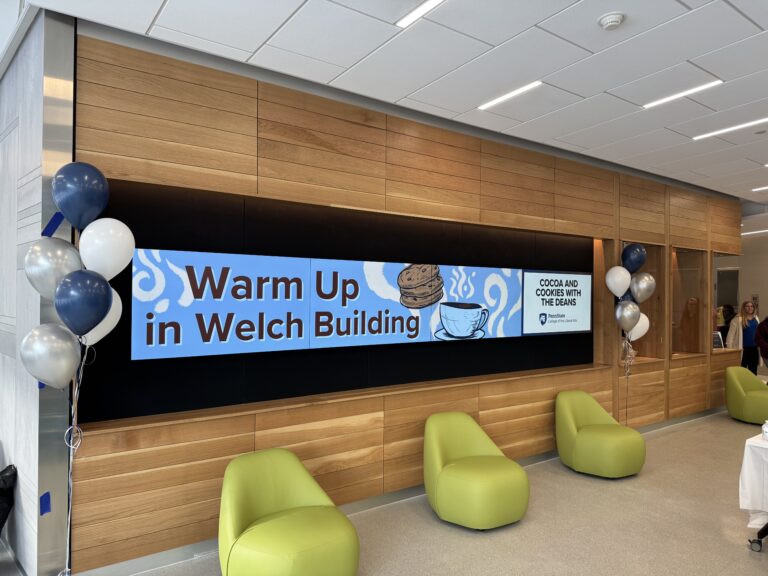
Promote Your Event on the Welch Building Video Wall
Hosting an event in the Welch Building?
Consider Digital Display Monitors for Your Unit
Thinking about adding a digital display monitor to your space? Adding these monitors is considered on a case-by-case basis to ensure it truly supports the communication needs of your unit (and the college more broadly) since digital signage isn’t always the most cost-effective tool.
If you believe a digital sign may be the right fit, start with the Office of Strategic Communications. Our team will:
- Discuss your goals and help determine if digital signage is the best option
- Recommend alternatives if a sign isn’t the most effective solution
- Coordinate with IT and OPP if new hardware is appropriate
- Provide branded templates or create custom slides for approved signage
Please email Kathy Swidwa to get started.
Choosing the Right Digital Sign Setup
When considering a digital display for your unit, you’ll work with Strat Comm to determine the best option based on your goals, budget, and content needs.
Start with Your Primary Goal
Category | If your goal is to… | Recommended approach |
|---|---|---|
Content | Display static slides and announcements | Apple TV and Ditto |
Content | Display dynamic or interactive content (e.g., event feeds, Nittany Lion Careers postings, directories, maps) | FourWinds (touch screen optional) |
Zoom | Use the screen for Zoom or hybrid meetings | Apple TV and Ditto (Zoom-enabled setup) |
Zoom | Combine Zoom and dynamic content | FourWinds and additional hardware (case-by-case) |
Alternatives | Share information without adding a new screen | We may recommend email, web updates, social media, printed signage, or existing college displays. |
Note: Both Apple TV/Ditto and FourWinds setups can be configured for vertical (portrait) or horizontal (landscape) screens.
Compare Your Options
Feature | Apple TV and Ditto | Touchscreen and FourWinds |
|---|---|---|
Hardware and installation cost | $$ (paid by unit) | $$$ (paid by unit) |
Software cost | ~$175/year (paid by unit) | ~$200/year (covered by Strat Comm*) |
Best for | Static displays and Zoom-enabled spaces | Dynamic, integrated, and strategic digital signage |
Live data integration | Not supported | Supported (e.g., events, Nittany Lion Careers) |
Zoom capability | Yes | Possible with additional setup |
Ease of use | Easy to update once set up | Easy to update once set up (more initial setup) |
Design and templates | Strat Comm creates initial templates; units maintain content | Strat Comm creates initial templates; units maintain content |
*About Software Costs
FourWinds licenses are covered by Strat Comm because the platform supports advanced, strategic communications through dynamic and integrated content.
Ditto supports static slide-based displays and Zoom functionality. While Strat Comm provides templates for both systems, units using Ditto are responsible for the annual license.
Content and Workflow (Applies to Both Options)
- Strat Comm creates initial templates in the shared Canva account.
- Units are responsible for creating and maintaining content.
- Submit graphics through the standard digital sign form and select where they should appear (e.g., college or unit screens).
- Strat Comm ensures brand consistency and adds content to unit screen.
Optional: Units can opt to have college-level content (e.g., Love Liberal Arts Week, Liberal Arts Research Expo) automatically added to their screen.
Want to learn more?